New York, in blocks
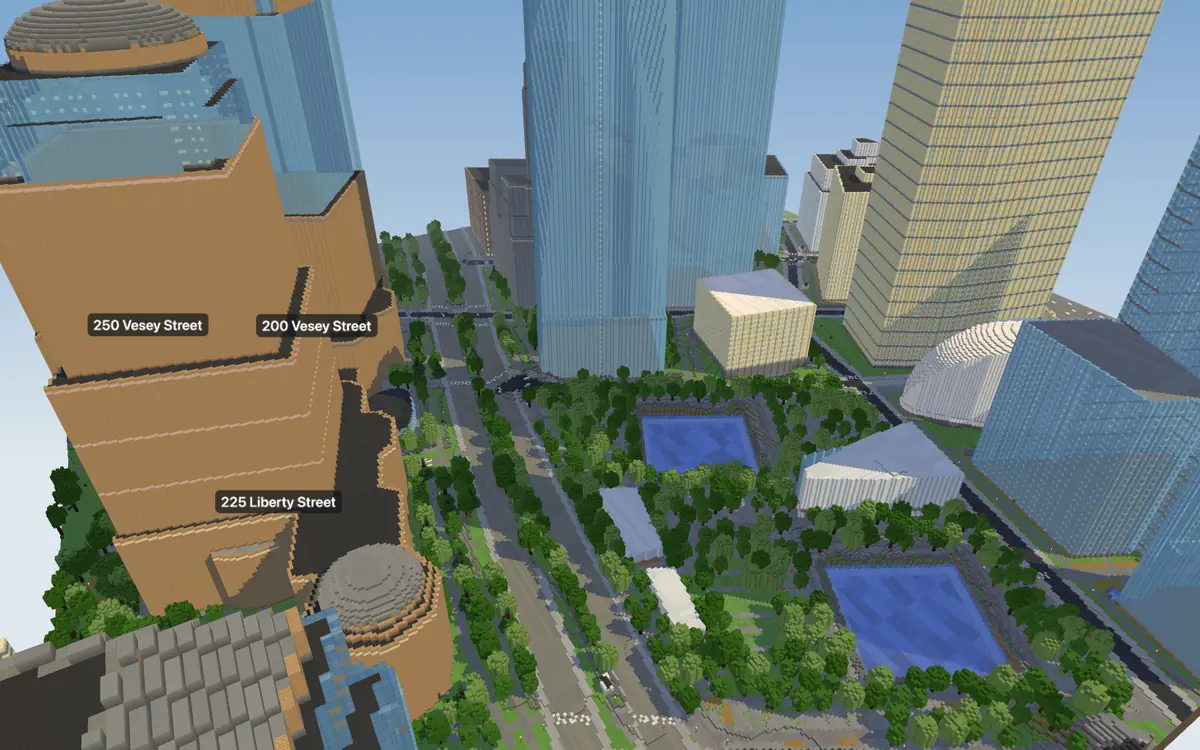
This is One World Trade Center in New York, United States, as a world for Minecraft: 54 buildings, 4.8 km of streets and 921 trees on a 500 by 500 metre square, built from the real map. Build this spot, or your own street anywhere in New York, in about a minute. Free to build and explore in 3D; Java and Bedrock.
Build this spotFind your street in New York
This spot is prebuilt: it opens in seconds. Type New York, then tap your house on the map.
In this world
- Buildings
- 54
- Streets
- 4.8 km
- Footpaths and cycleways
- 10.2 km
- Trees
- 921
- Tallest on the map
- 417 m · One World Trade Center
- Size
- 500 × 500 m, 1 block = 1 metre
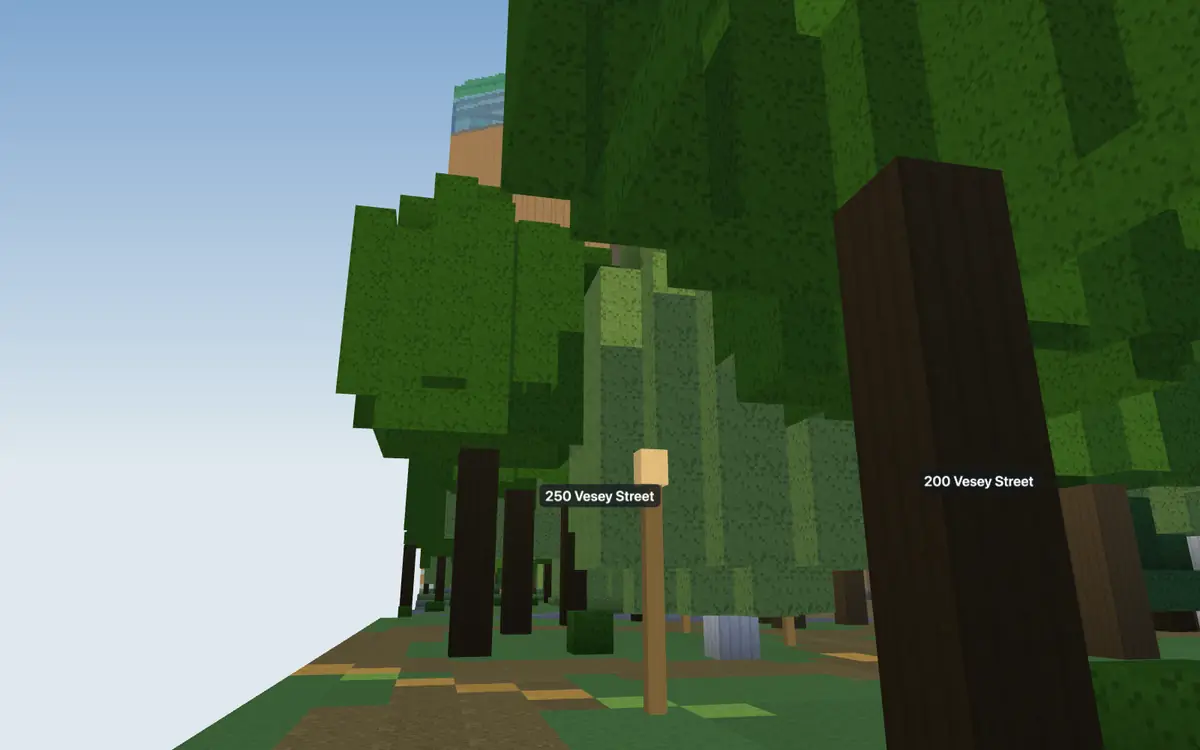
Named places you’ll find in it: 225 Liberty Street · 250 Vesey Street · 200 Vesey Street · Federal Office Building · 3 World Trade Center · Goldman Sachs Tower.
How good is the map here?
94 % of the buildings in this square have their real height on the map; the other 6 % get a height estimated from the buildings around them. Read back from the finished world, its buildings cover 93 % of the footprints on the map, and 99 % of the map's streets are paved in it.
Map data from OpenStreetMap as of 18 October 2026. Something missing or too flat? Anyone can add it to OpenStreetMap, and later builds include it.
Build your street in New York
Type New York, then tap your house on the map. Pick how big (up to 1.5 km across; 1 km on an iPad or phone), watch it turn into blocks, then walk it in 3D. When you like it, keep it for $4.99 and open it in Minecraft: on an iPad, phone or Windows or Java on PC and Mac.
More cities in blocks
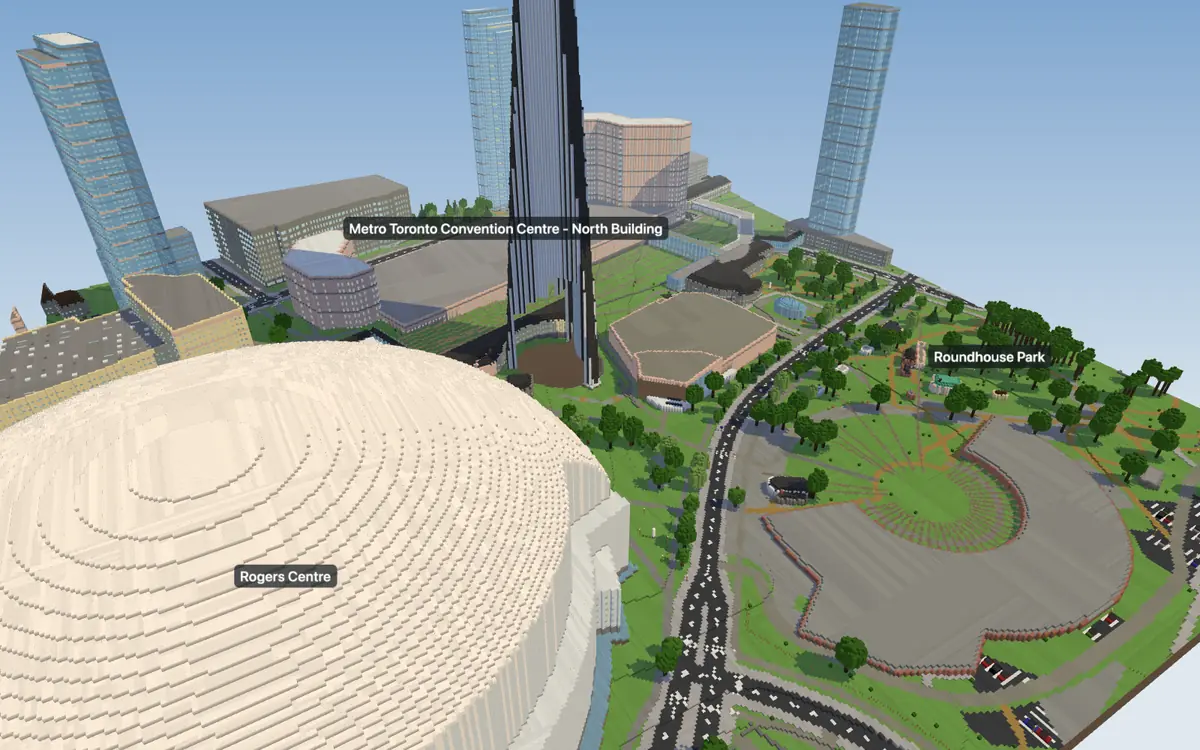 Toronto Canada · 550 km away
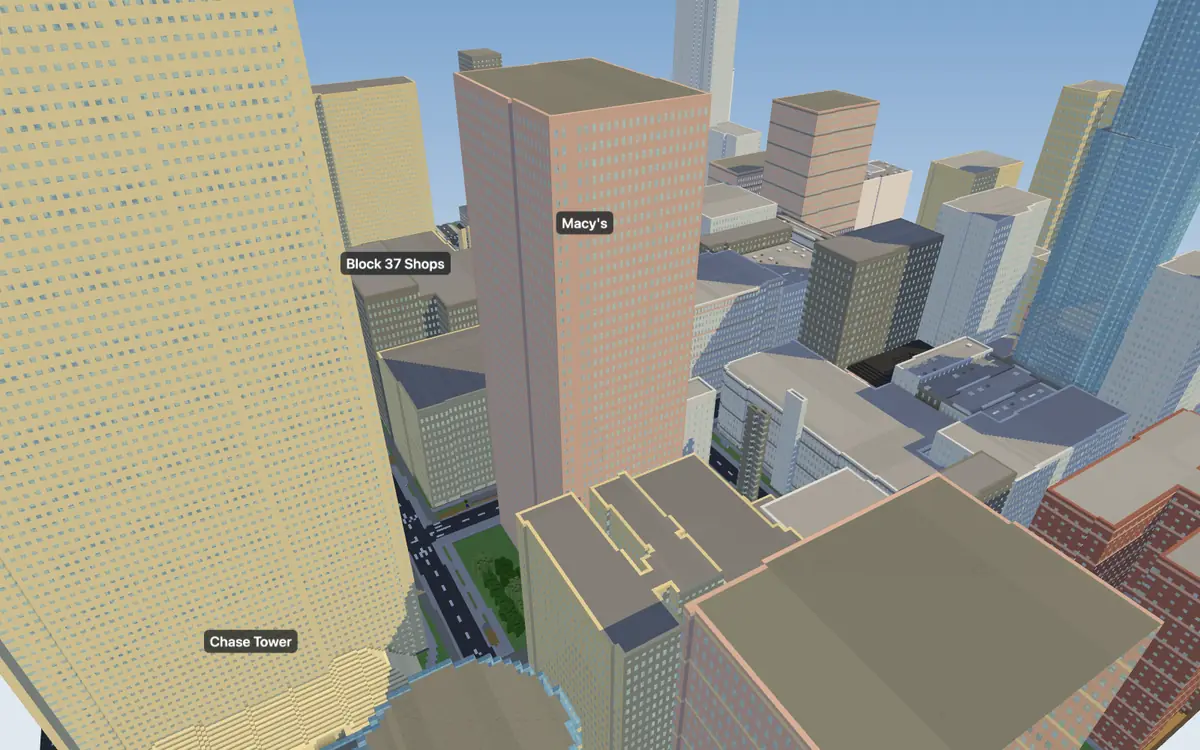 Chicago United States · 1,144 km away
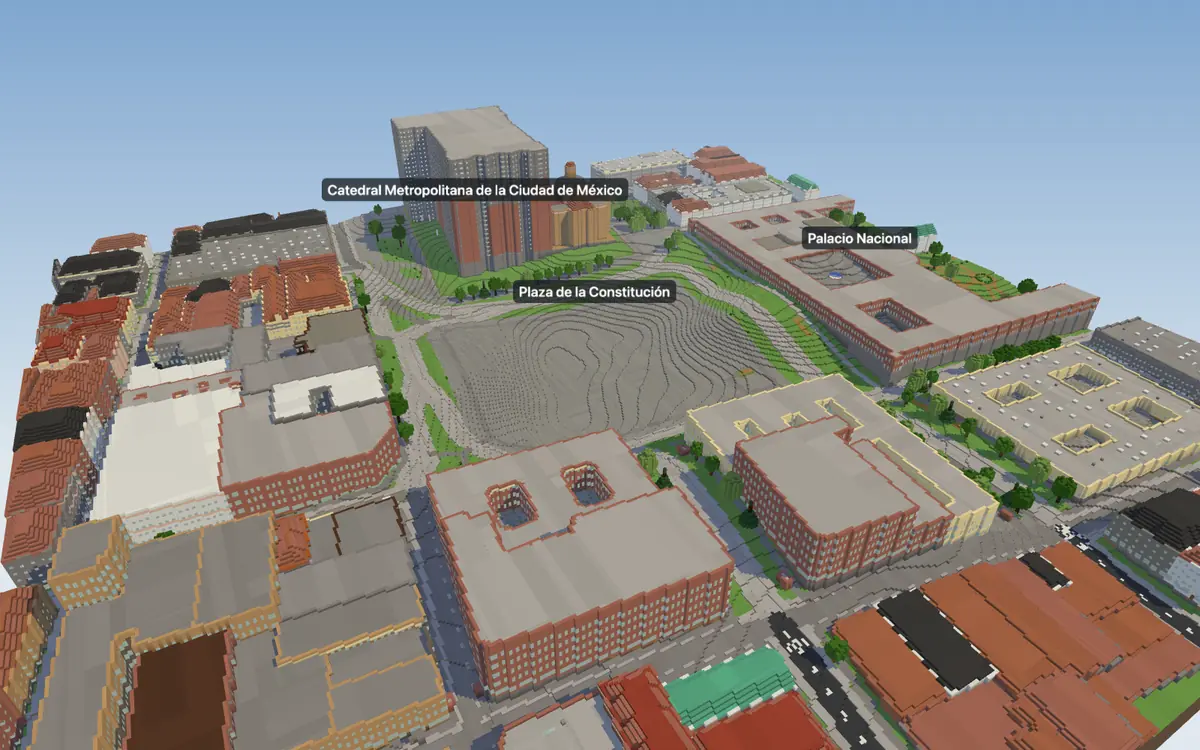 Mexico City Mexico · 3,359 km away
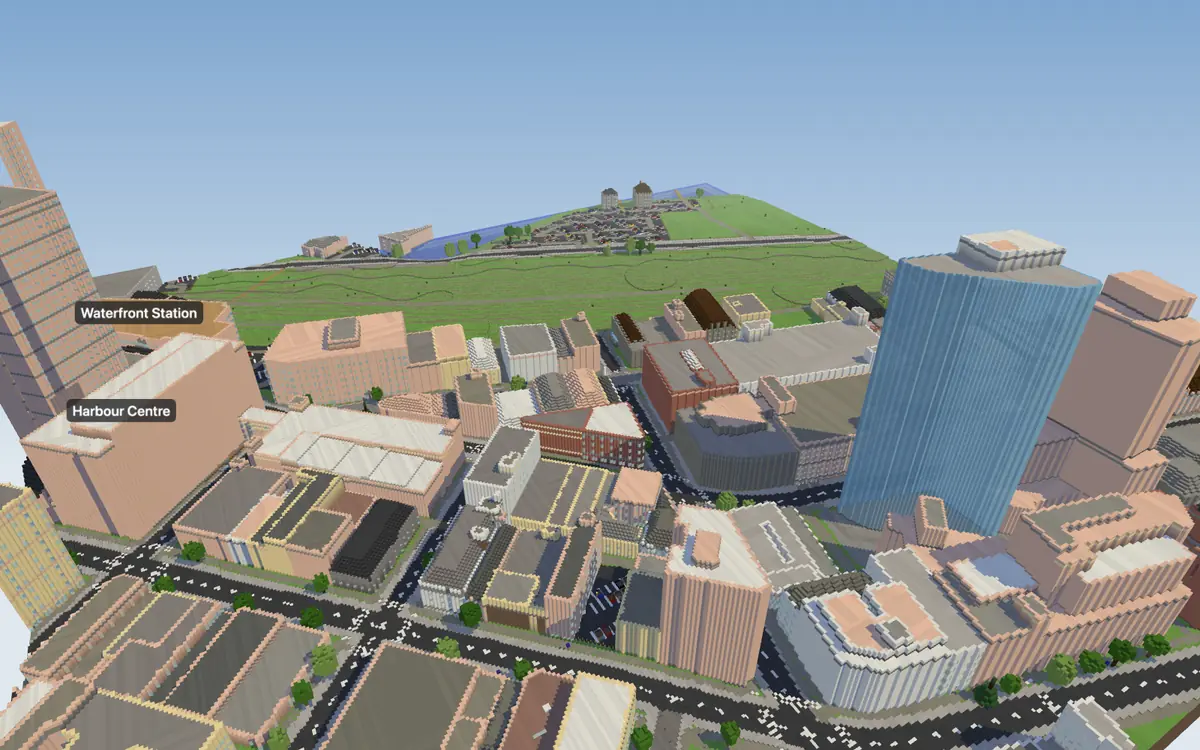 Vancouver Canada · 3,903 km away
Every city → · United States →
Questions
Does my street in New York work?
Yes: any street in New York works, and anywhere else on Earth. Type New York, then tap your house on the map. Places mapped in more detail look best; around One World Trade Center, 94 % of the buildings have their real height on the map.
Can I play it on an iPad (Minecraft Bedrock)?
Yes, iPad first: scan the code your world shows and it opens straight in Minecraft. It works the same on iPhone, Android and Windows, and there is a Java download for PC and Mac. Consoles can't import worlds yet.
What does it cost?
Building New York and walking it in 3D in your browser is free, as often as you like. To keep a world and play it in Minecraft, buy it for $4.99, once. No subscription, and the world never expires.
A world for Minecraft. Not an official Minecraft product. Not approved by or associated with Mojang or Microsoft.
Updated 18 October 2026