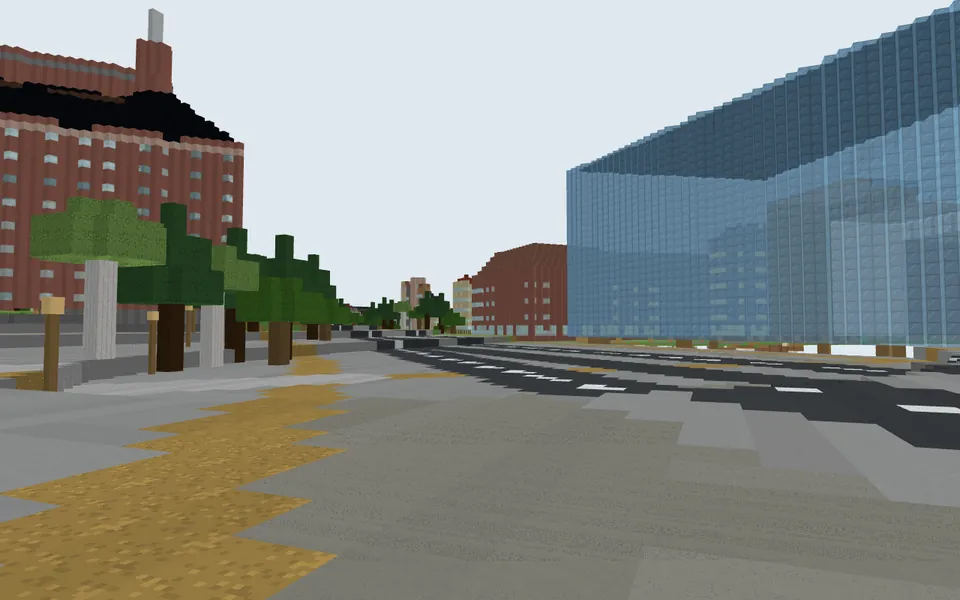
New in 2026Be the first on your street to build it in Minecraft.
Your real house.
In Minecraft.
Type your address, watch your street rise, and walk it on your iPad a minute later. See it free before you pay.
Type your town, then tap your house on the map.
Free to build and exploreNo accountNothing to install
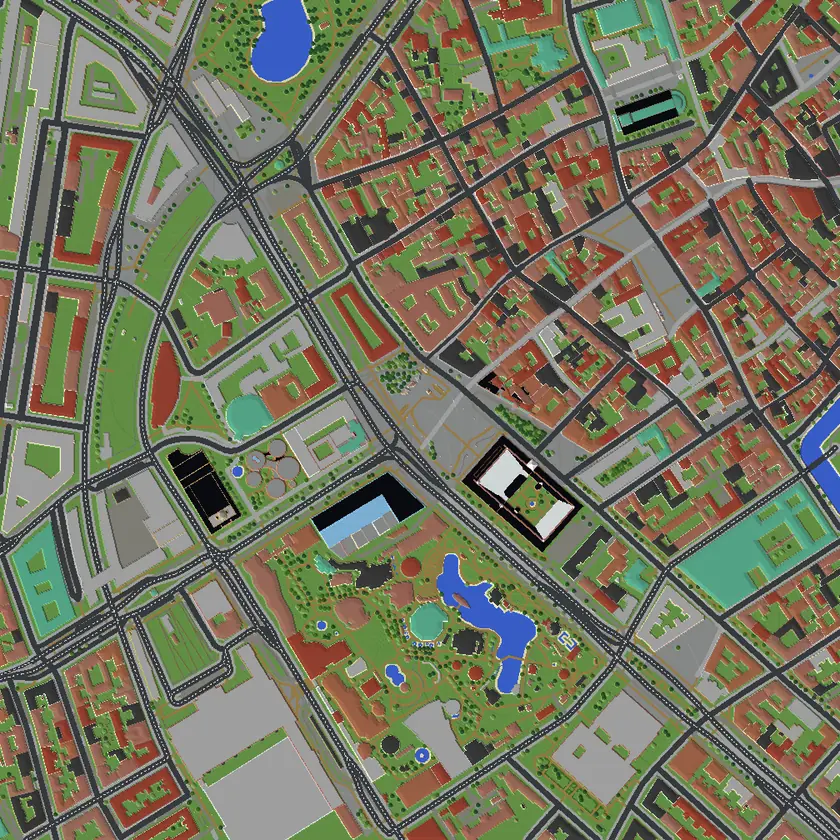
- 1 block = 1 metreYour street at its true size, hills and all
- Real shapes and heightsEvery house on its real footprint, at its real height where it's mapped
- Opens in MinecraftNo mods: scan a code with your iPad, or download for Java
Built with Streetblocks.
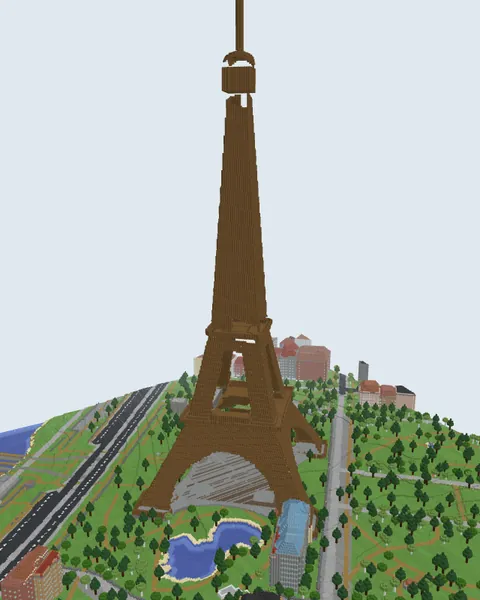
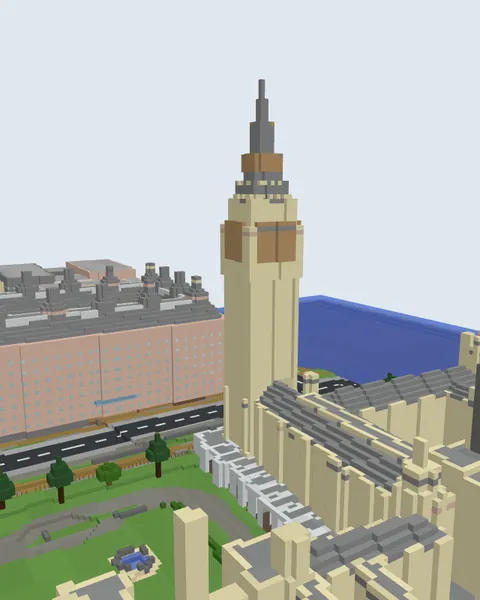
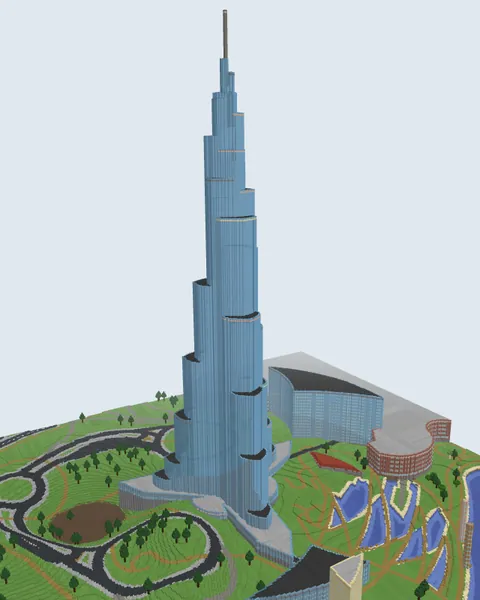
Real renders of famous places, built by Streetblocks. Tap one and build it yourself, free. Every city in blocks →
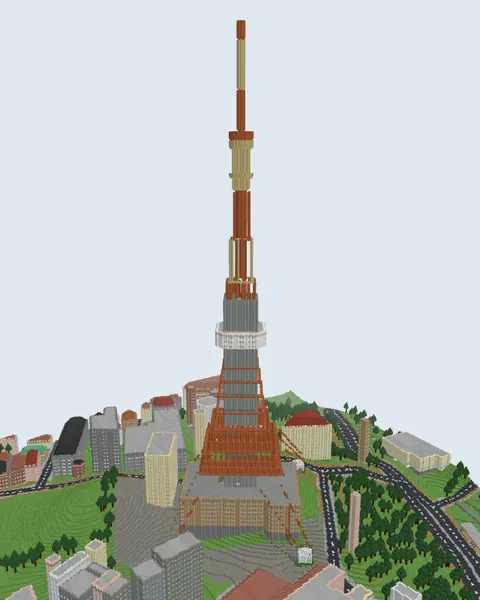
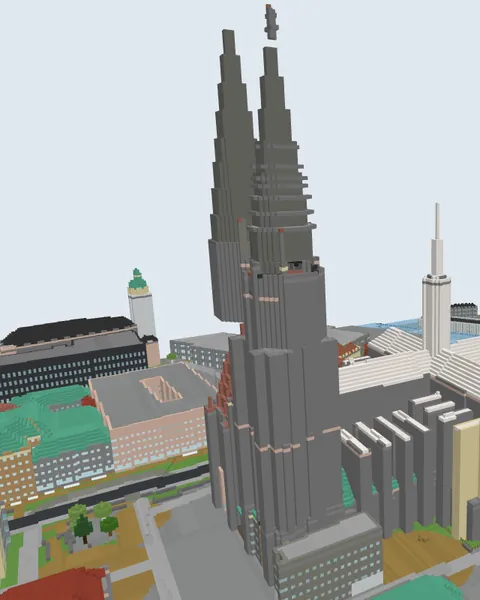
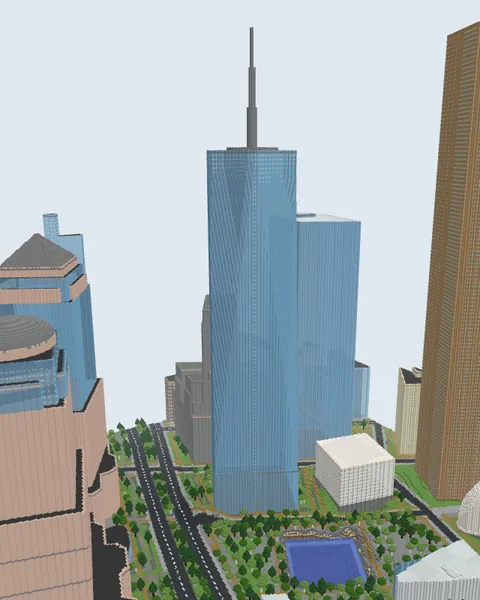
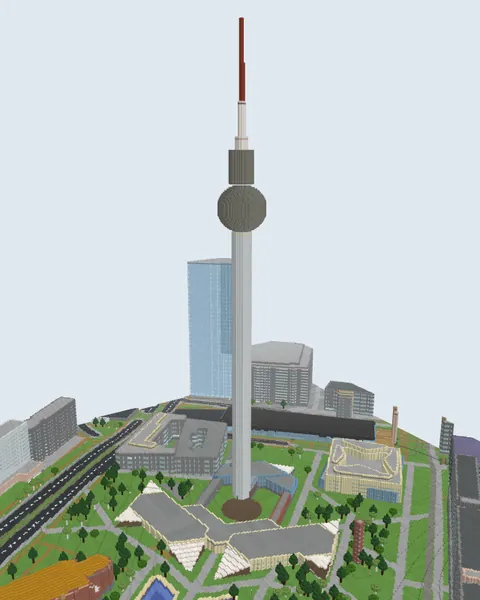
Free before you pay.
Build your street and look around it as often as you like. You only pay if you want to keep it in Minecraft.
Free Every time, any place
- Build any place on Earth, as often as you like
- Walk and fly around it in 3D, right in your browser
- Save a picture of it to show your friends
- No account, no card and nothing to install
From $4.99 Only to keep it
- Play it in Minecraft on iPad, iPhone, Android and Windows
- Download it for Java on PC and Mac
- One world, or 5 or 10 to build the rest whenever you want
- See the price before you pay. See prices ↓
From address to Minecraft in three steps
- 1
Find your street
Type your address, or your town and then tap your house on the map. Pick how much of the neighbourhood you want, up to 1.5 km across.
- 2
Watch it rise
Roads get paved, buildings go up at their real heights, trees get planted. Then fly around it in 3D, right in your browser.
- 3
Play it in Minecraft
Scan the code with your iPad and the world opens straight in Minecraft. On PC or Mac, download it for Java. Not your iPad? Build it, then send it to a parent.
Then walk down your own street.
Start somewhere you know. Spawn by your front door, find the way to school, race your friends to the park. The buildings are there as shells, so the inside of every one is yours to build.
For families
Build it together.
You know the streets, they know Minecraft. Find the place together, watch it rise, then hand over the iPad and let them show you around.
The way to school
Build the route they walk every morning. Can they find the way in Minecraft?
Grandma and Grandpa's street
Visit the grandparents in Minecraft before the real visit, or build it with them on the next one.
Where you grew up
Build the street you grew up on, as it stands today, and show them where you played.
For parents
- No mods, nothing to install. A normal world for the Minecraft you already own.
- Private by design. The world is built on your device. It's only uploaded when you send it to the iPad, and deleted after 30 days.
- No ads, no chat, no account to build and explore.
- Clear prices. You see the price before paying. One payment, no subscription.
Clear prices. No surprises.
Building and exploring stay free. Pay once for the worlds you keep: no subscription, and they never expire.
Build & explore
Free
Any place, in 3D in your browser, as often as you like.
One world
$4.99 once
Keep one world and play it in Minecraft, on iPad and on PC.
5 worlds
$14.99 once
$3 a world · or 10 for $24.99, $2.50 a world (save 49%)
Home, school, grandma's, the holiday spot: build them whenever you want, on any device.
Prices in US dollars; the studio shows yours. Prices include tax. Secure checkout by Stripe.
Questions
Does it work on Minecraft Bedrock and iPad?
Yes, iPad first. When your world is ready, scan the code with your iPad and it opens straight in Minecraft. It works the same on iPhone, Android and Windows (Bedrock), and you can download it for Java on PC and Mac.
Is it free?
Building any place and exploring it in 3D in your browser is free, as often as you like. To keep a world and play it in Minecraft, buy that world for $4.99, or 5 worlds for $14.99 or 10 for $24.99 to build the rest whenever you want. One payment, no subscription, and worlds never expire.
Do I need mods or add-ons? Is it safe?
No mods, add-ons or resource packs. You get a normal Minecraft world file that opens in the Minecraft you already have. Nothing to install on your computer or tablet, and no account is needed to build.
Does any address work?
Any place on Earth; places with more detail on the map look best. Today you can search full street addresses in Denmark; everywhere else, type your town, then tap your house on the map (or paste coordinates). Street search for more countries is on the way.
How accurate is it?
One block is one metre. Buildings stand on their real outlines, at their real height where it's known, or estimated from their neighbours. Roads, pavements, water, parks and trees are where they really are, on the real hills and slopes. Buildings are shells: the insides are yours to build.
How big is a world?
You choose: from 200 metres to 1.5 kilometres across, centred on your address (up to 1 kilometre on an iPad or phone, to fit in its memory). A 1 km world is a whole neighbourhood.
Does it work on Xbox, PlayStation or Switch?
Not yet. Consoles can't import a world file from outside the game. You can play on iPad, iPhone, Android and Windows (Bedrock), or PC and Mac (Java).
What happens to my address?
Your world is built on your own device, not on our servers. It is only uploaded when you send it to your iPad, and it is deleted after 30 days.
Is Streetblocks made by Mojang or Microsoft?
No. Streetblocks is made by CPH Tech in Copenhagen. It is not an official Minecraft product and is not approved by or associated with Mojang or Microsoft.
Where will you build first?
Type your town, then tap your house on the map.
Free to build and explore. Or find yourself on the map →